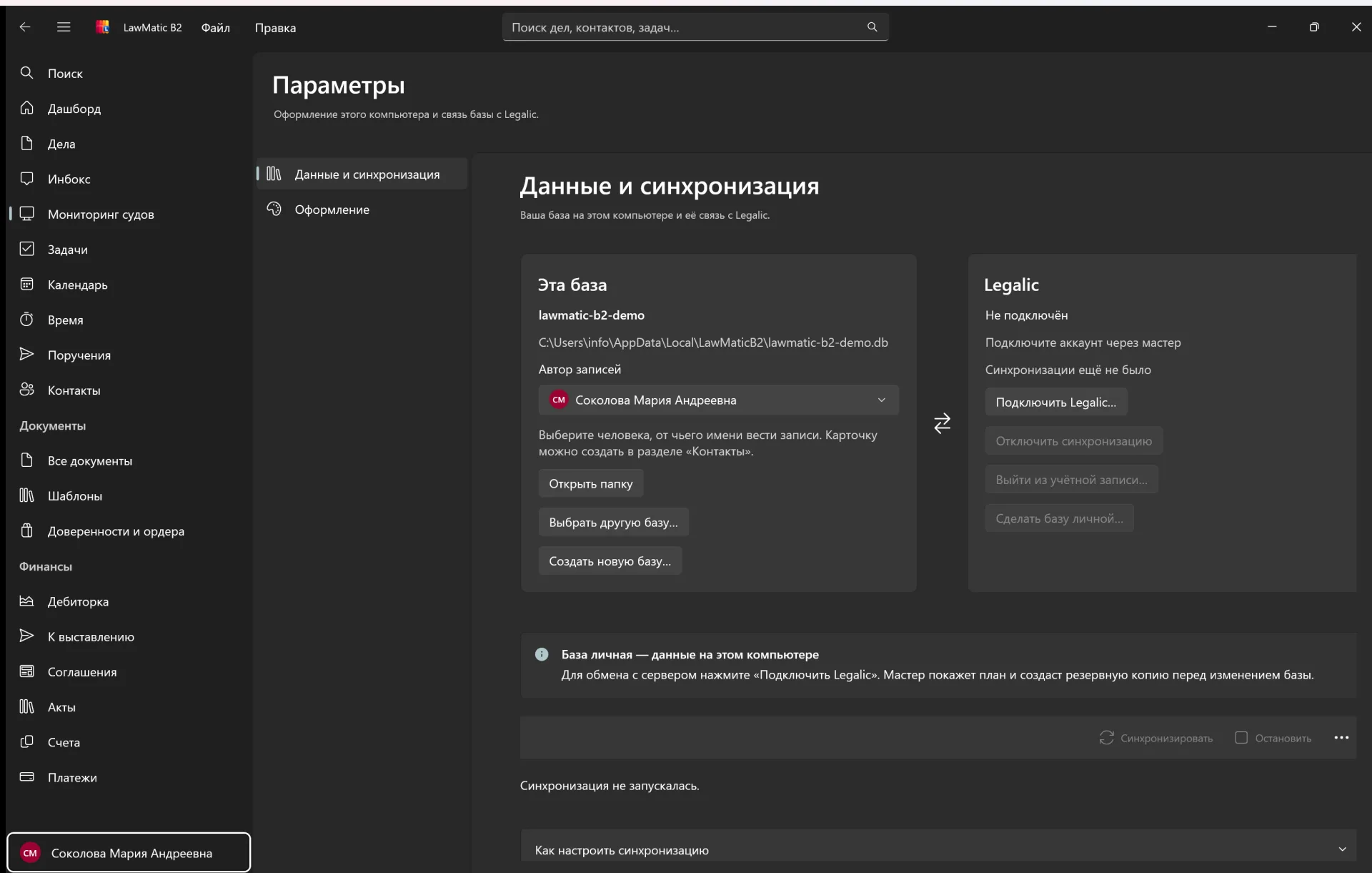
Data
Which database is open, who the author is, and that Legalic is not connected in this build.
LawMatic B2 Features
LawMatic B2 keeps a law practice in a local database: case cards, court monitoring, tasks, a calendar, documents and money. It does not replace the Windows desktop.
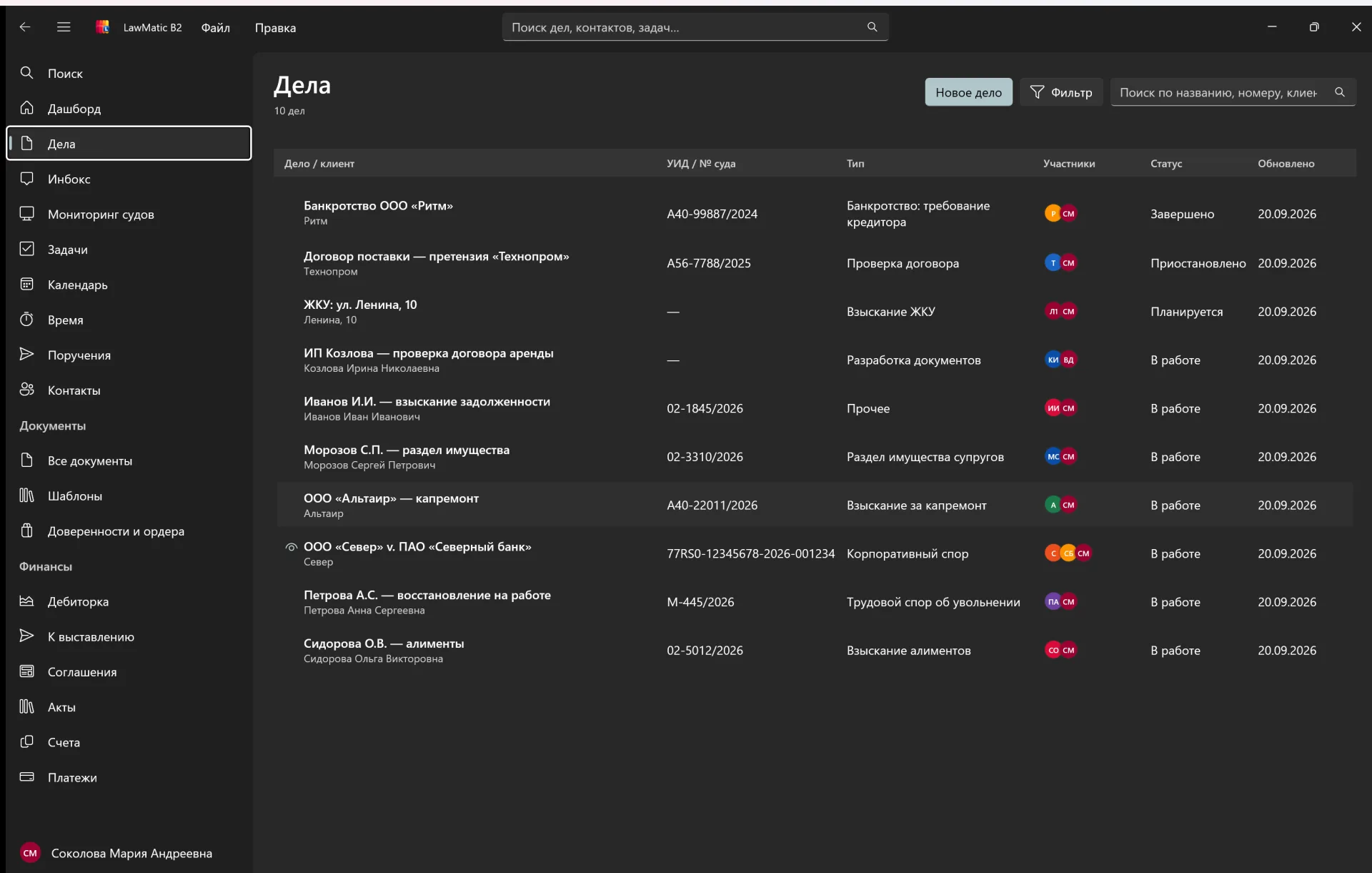
The list shows the client, the case number, the type, the participants and the status. The card gathers the history: overview, participants, events and tasks.
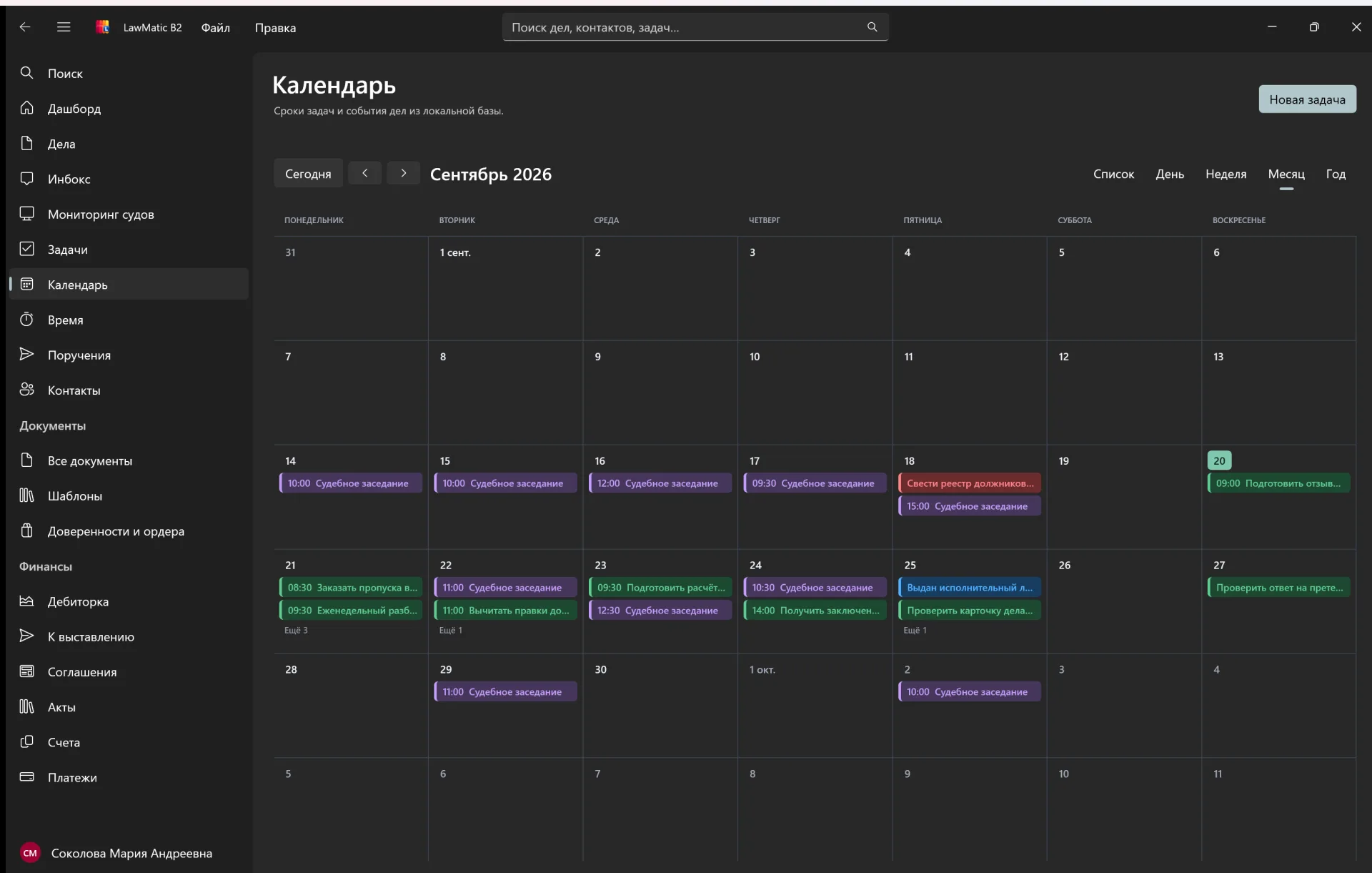
The calendar reads tasks and events from the local database. Month, week, day and list switch in place, and a new task is added from the header.
The section collects checks: new events, moved hearings, added documents and access errors. A card can be opened on the court site.
The same sections as the sidebar: which database is open, the window theme, documents, tasks, the calendar and time tracking.
Which database is open, who the author is, and that Legalic is not connected in this build.
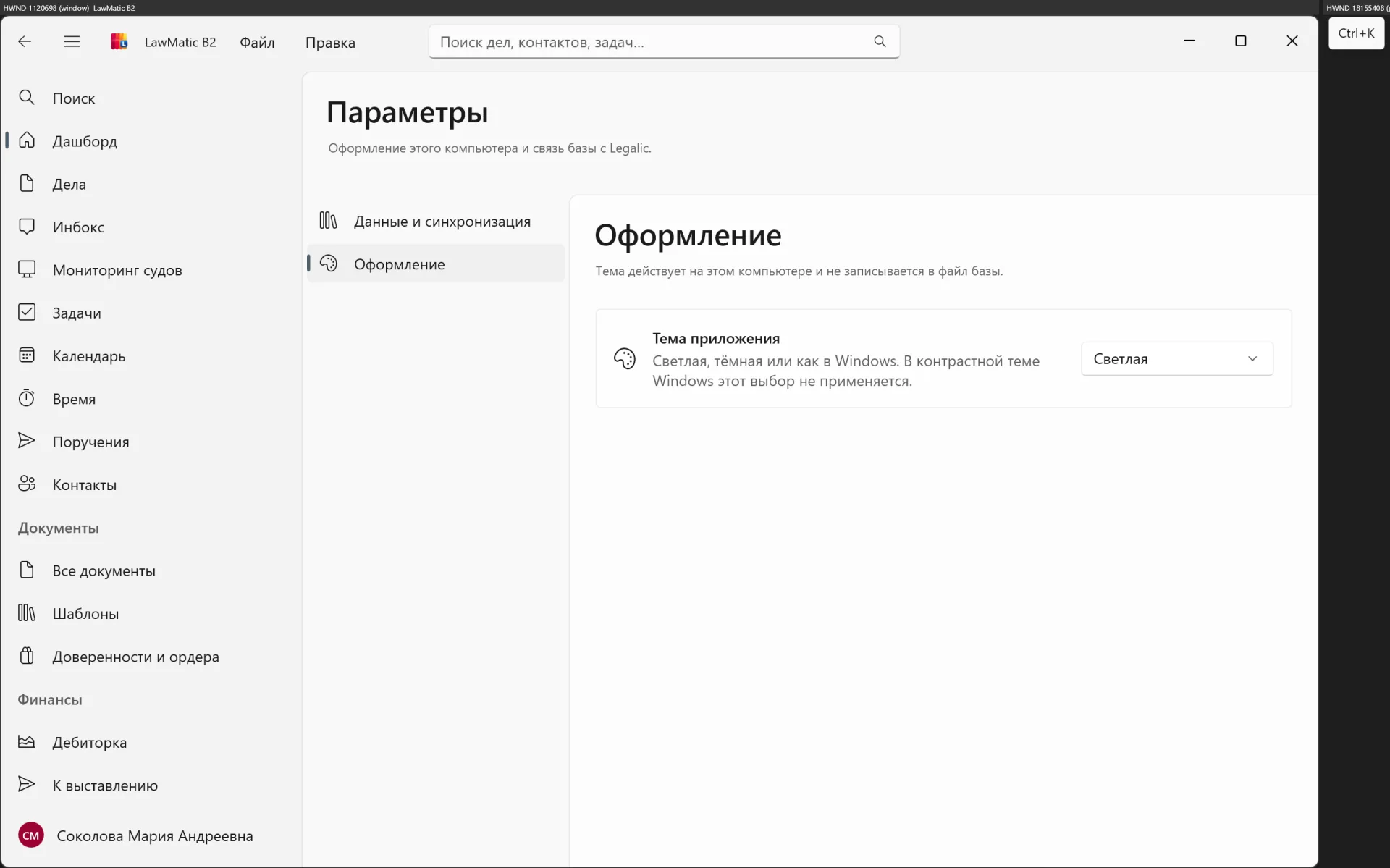
Light, dark or the Windows default. The theme is not stored in the database.
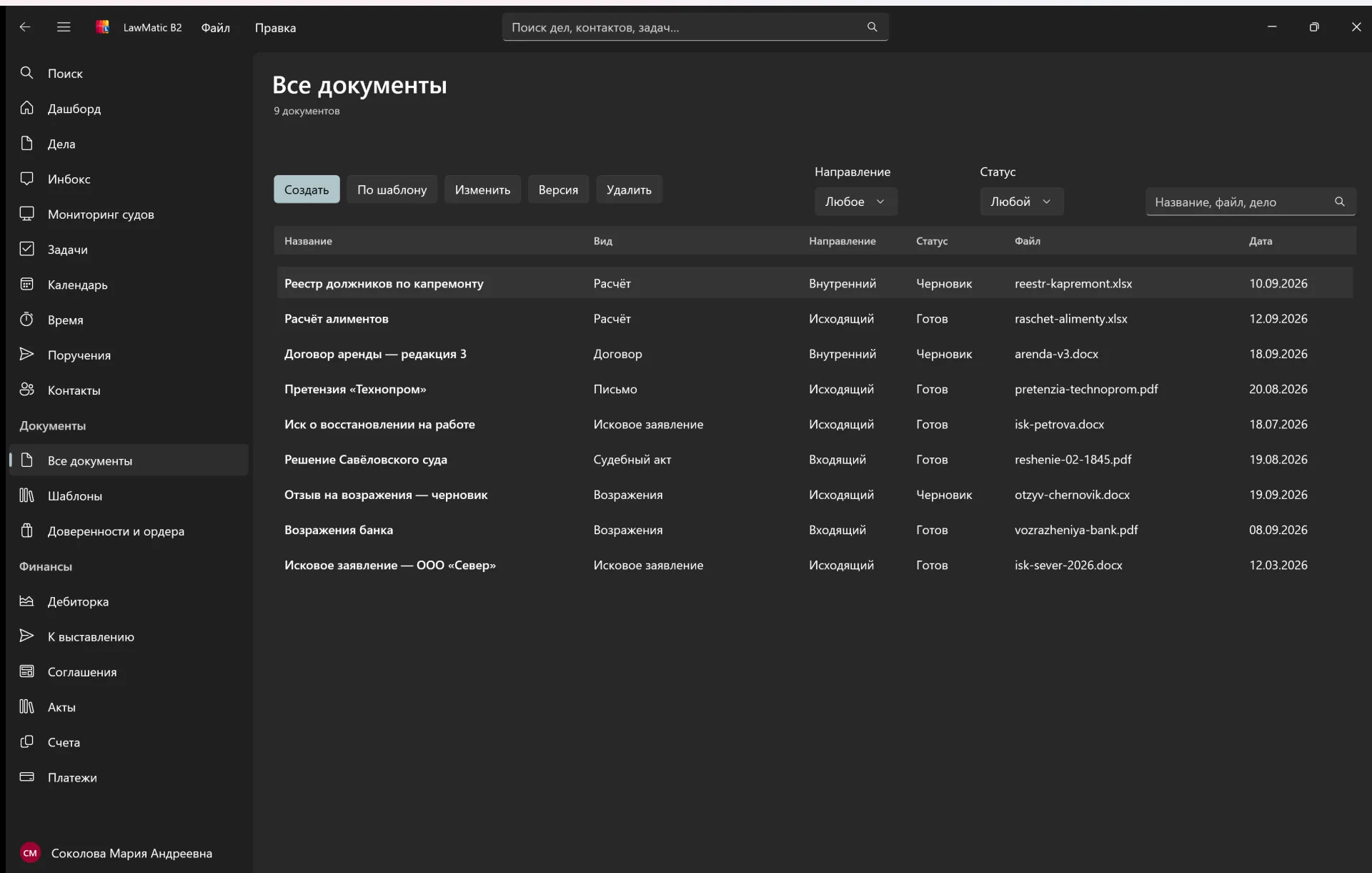
Cards in the database. The files themselves are not stored inside it.
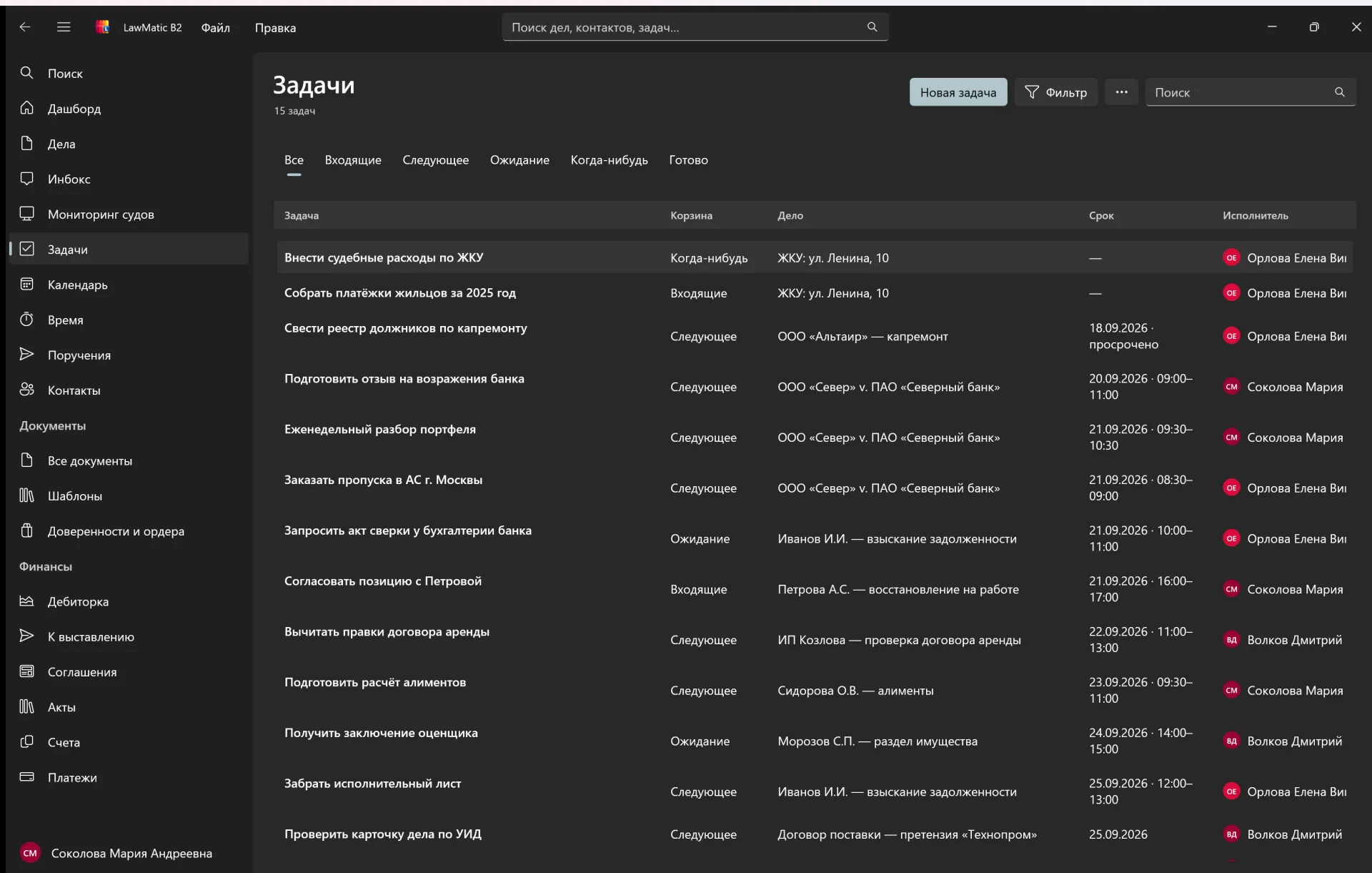
Due date, case and assignee, with overdue work kept separate.
Hearings and task deadlines on one grid.
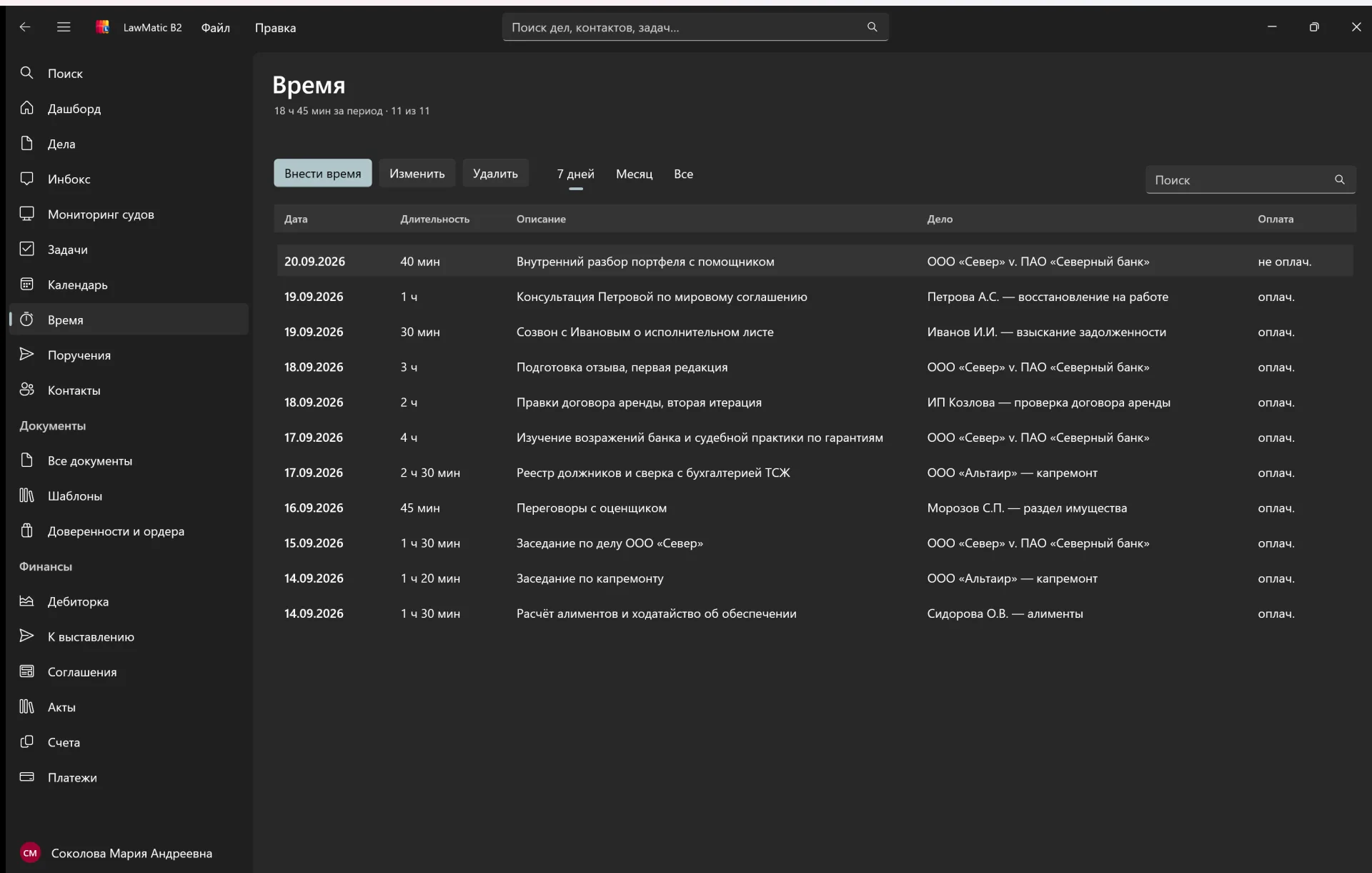
Hours recorded against cases.
WinUI 3 and the Windows App SDK. It looks like a normal Windows app.
Cases, tasks and documents are written to a file on this computer. A cloud account is not required.
The schema matches the Mac app. A .dat file opens in place and goes back without a migration.
The link is in the schema. Exchange is not turned on in this build, and the database works on its own.
One x64 installer. .NET 10 and the Windows App SDK are already inside. Administrator rights are not required.